Introduction
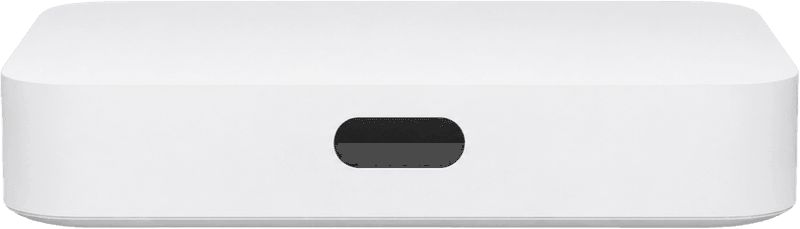
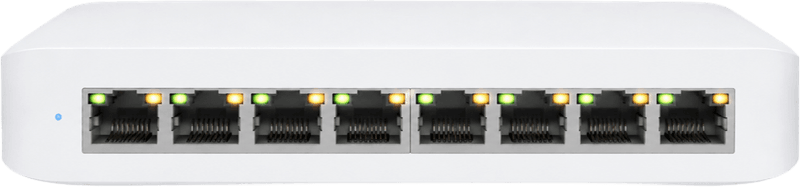
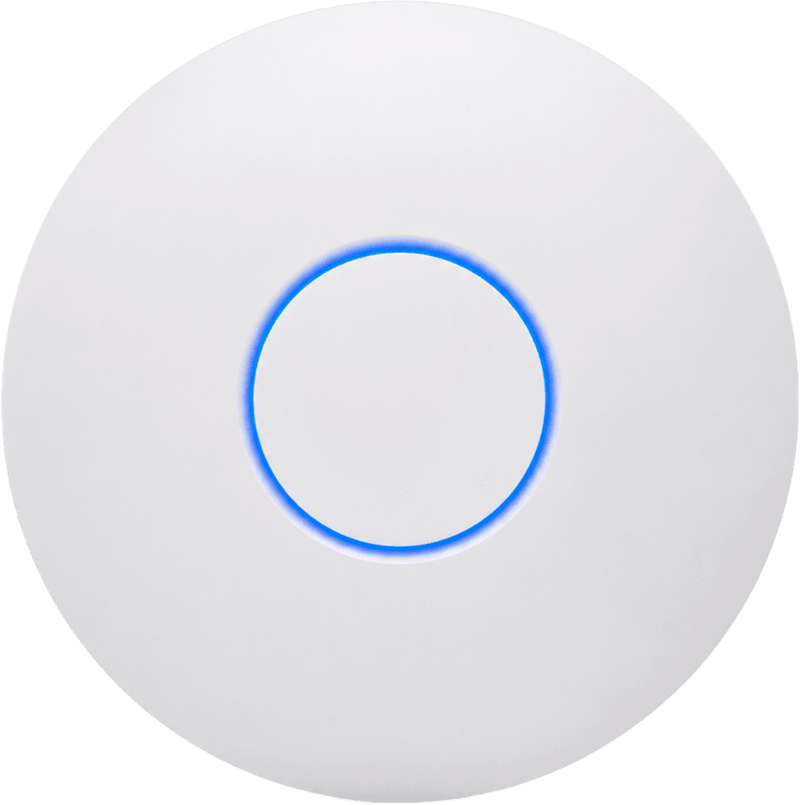
My network setup consists of a UniFi Cloud Gateway Ultra, which functions as my router, firewall, VLAN manager, DNS server, and much more. My ONU (ISP provided) plugs into this, and from here I connect to two different switches: a USW-Lite-8-PoE (UniFi, so it’s managed) and a 24-port managed switch for general Ethernet ports. The PoE switch is used exclusively for my access points: two UniFi U6 Long Range and one U6+. This seems pretty overkill for home networking, but it serves great coverage, flexibility, network availability, and performance.
Gateway
The UCG-Ultra is the core of the setup. It handles the routing, firewall, VLANs, and DNS, and the ISP-provided ONU plugs straight into it.
Switches
The USW-Lite-8-PoE is my managed UniFi switch, used exclusively to power and connect the access points. A separate HP 1800G-24, a 24-port managed switch, handles the rest of my wired Ethernet ports.

Access points
Coverage comes from two UniFi U6 Long Range units and one U6+.
WiFi design
For the WiFi design, I used the UniFi Design Center, which was great to map WiFi coverage against the floor plan.